The takeaway
With Encored, branded resale runs through your existing Shopify store. Customers list eligible past purchases, buyers use your checkout, and sellers receive store credit after delivery and inspection.
What is branded resale on Shopify?
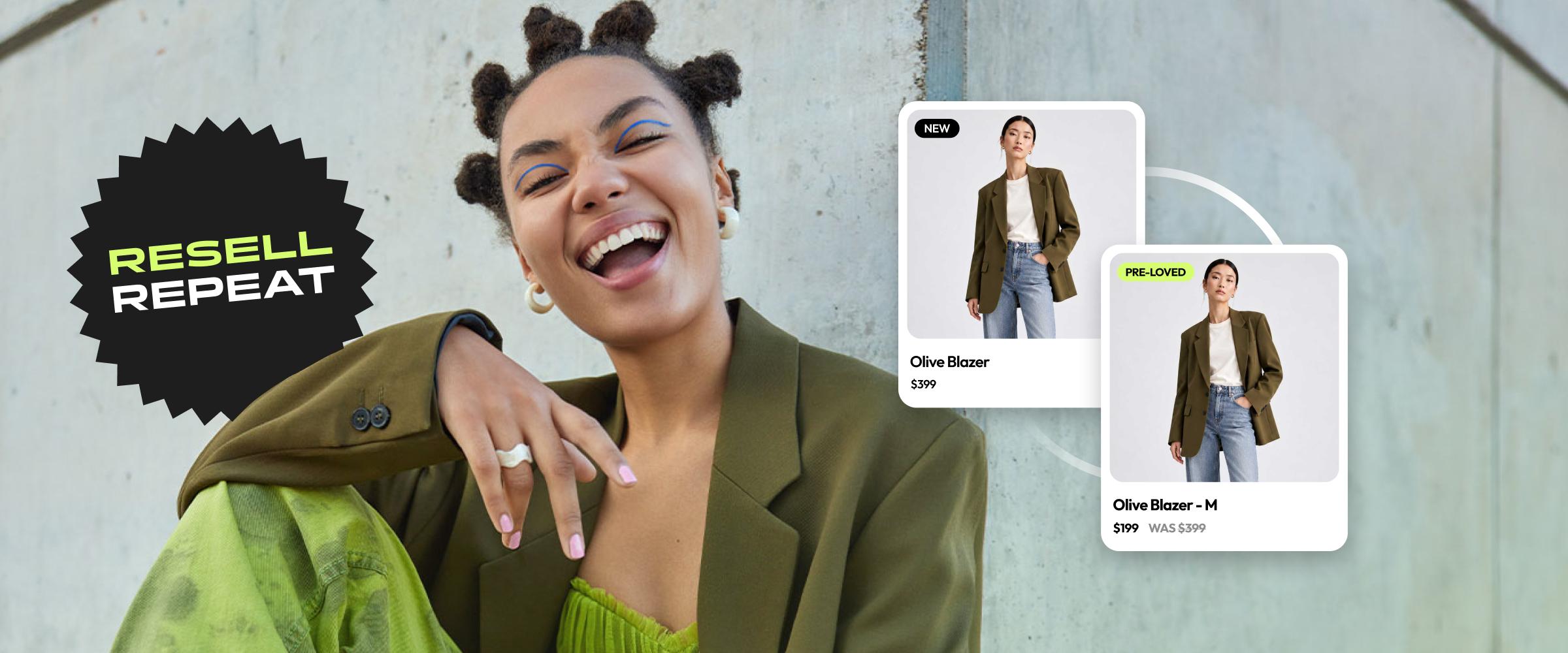
Branded resale gives customers a way to buy and sell your Pre-Loved products through your own retail experience. With Encored, approved listings become Shopify products in your existing store, so the product pages, checkout and future store-credit purchases stay connected to your brand.
The core customer journey starts with an eligible purchase from your store. The seller adds current photos, condition information and a price. Once approved, the listing can be bought through your Shopify checkout. The seller ships directly to the buyer and receives store credit after delivery and the inspection process.
1. Define your eligibility and customer policies
Decide which past purchases qualify for your program and what condition information sellers must provide. Explain shipping deadlines, inspection, disputes and when store credit becomes available before asking customers to list.
Encored connects a listing to an eligible item in the seller’s Shopify purchase history. This purchase connection provides provenance; current condition still needs seller photographs and appropriate review.
- Document eligible products and purchase requirements.
- Publish clear shipping, inspection and dispute information.
- Explain that sellers receive store credit and how they can redeem it.
2. Set listing and approval standards
Set your photo requirements, condition questions and resale-pricing rules. Encored checks photographs for content safety and product matching, while retailer-configured approval rules determine which submissions can progress automatically and which need review.
Assign responsibility for seller questions, requests for changes and disputes. Platform lets your team operate the program; Managed lets Encored carry out day-to-day work within the rules and standards your brand defines.
3. Prepare your storefront and checkout
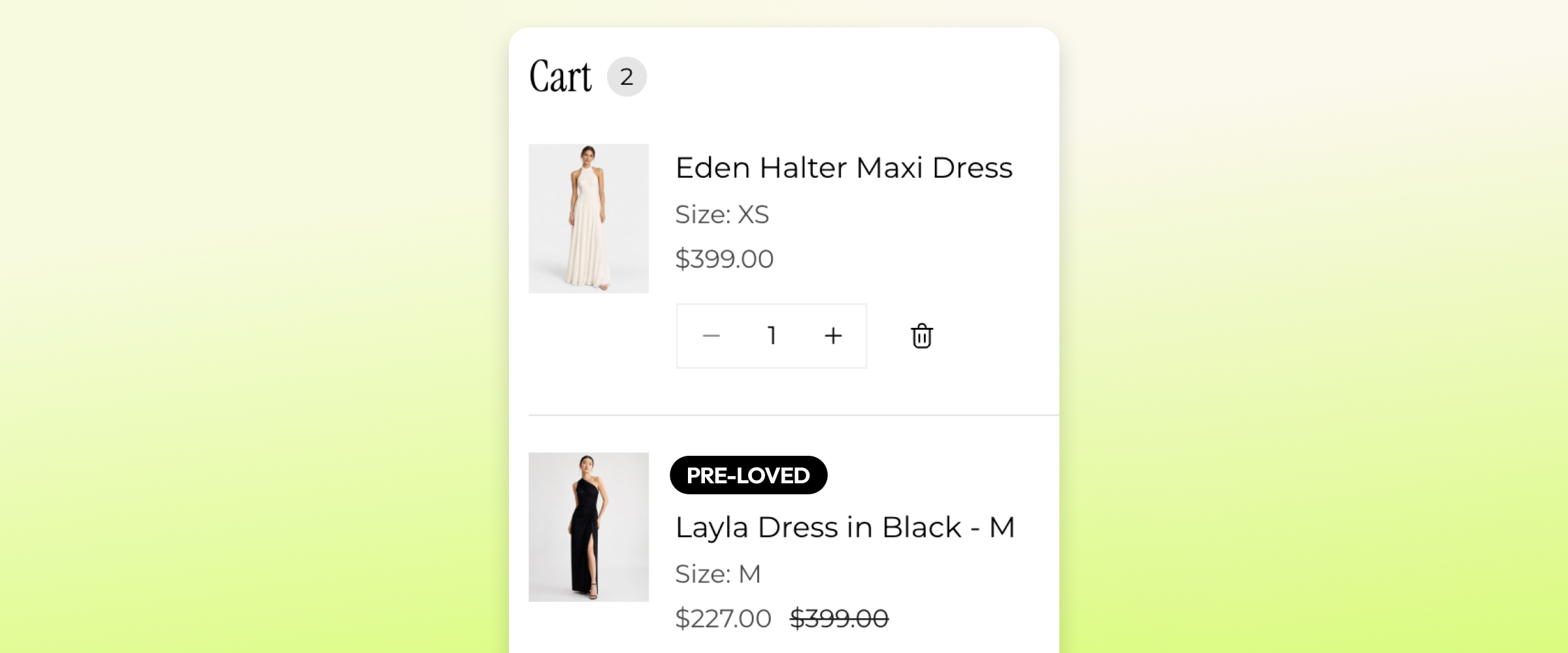
Use Shopify theme app blocks to show seller photographs, condition information and the relevant Pre-Loved details. Check that customers can distinguish a Pre-Loved item from a new product before adding it to their cart.
Encored supports new and Pre-Loved products in one Shopify checkout. The items can follow separate fulfilment journeys: your usual team ships new products, while the Pre-Loved seller ships their item directly. Make separate parcels and shipping expectations clear.
Review your Shopify discounts as part of setup. Retailer discounts apply to Pre-Loved products unless the Pre-Loved product type is excluded when the discount is configured.
4. Test the journey before inviting customers
Work through an eligible purchase, listing submission, approval, checkout, label download and store-credit outcome with your team. Include a mixed cart, a photo that needs replacing and a dispute scenario so the responsible people understand the customer experience.
Seller-to-buyer shipping means your warehouse does not need to receive or store secondhand inventory for this workflow. Your team still needs clear ownership of support, exceptions and disputes.
- Check the listing and checkout experience on mobile.
- Confirm that shipping and inspection communications are clear.
- Verify when credit is issued and how a seller uses it on a later purchase.
5. Measure activity after launch
Follow eligible customers becoming sellers, submitted listings, sales, delivery outcomes, disputes and store credit issued. Review redemption and cash paid above credit where that information is available, alongside the team’s operational workload.
Use a calculator to explore a scenario before launch, then compare its assumptions with observed results. Resale participation, selling prices and repeat purchases depend on your customers and program; an estimate is not a guaranteed outcome.